Web Design Development: Mastering the Art of Responsive Layouts
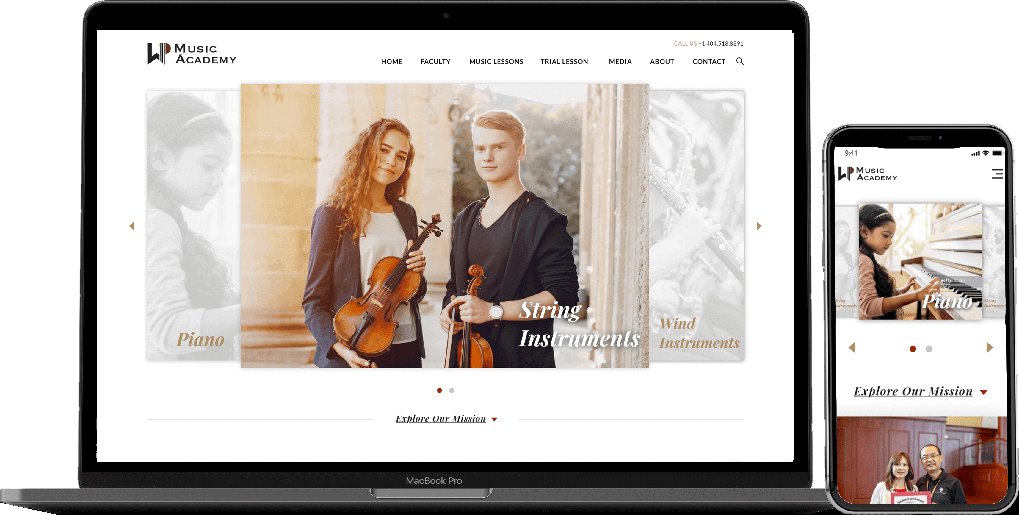
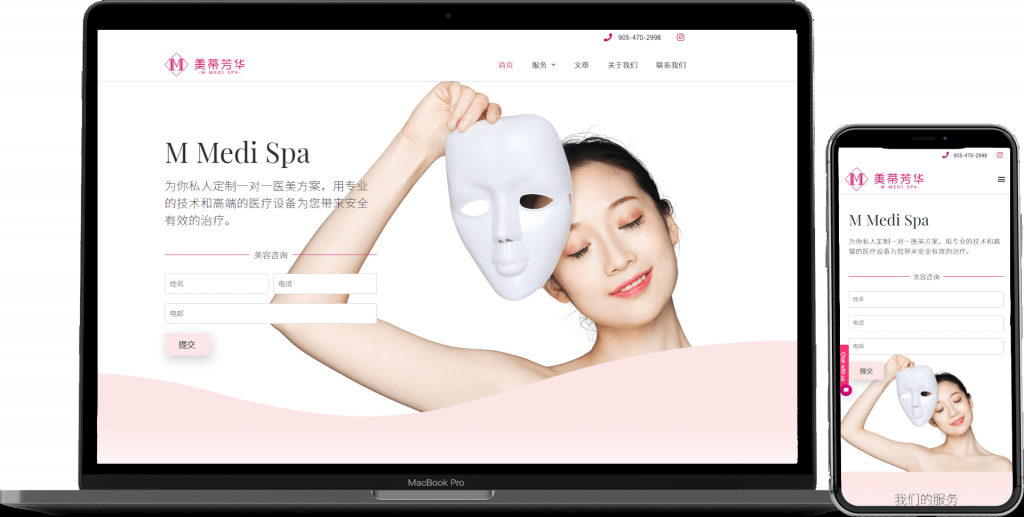
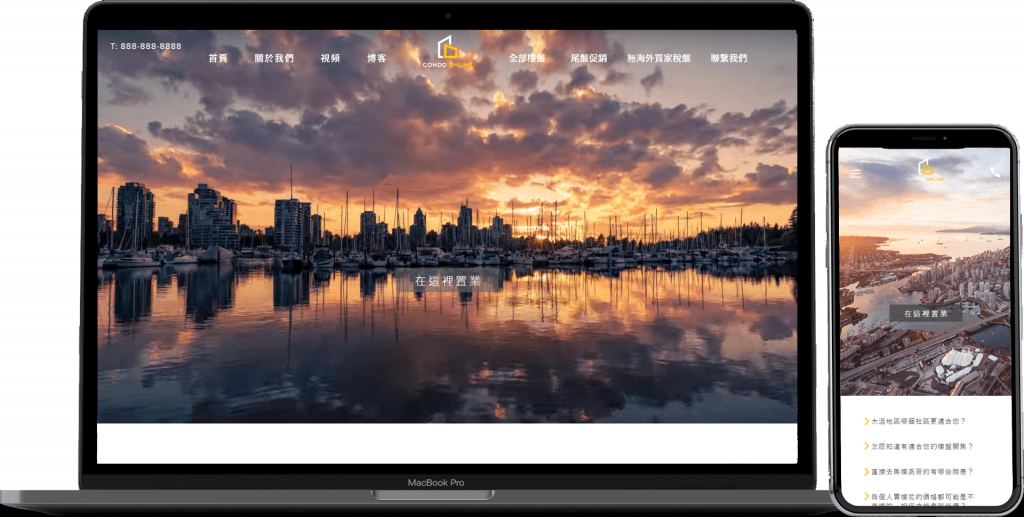
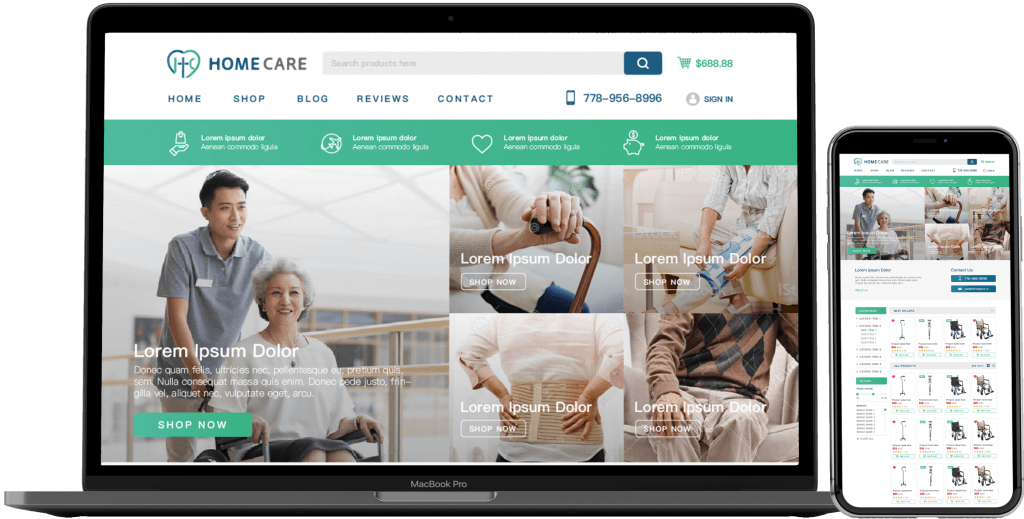
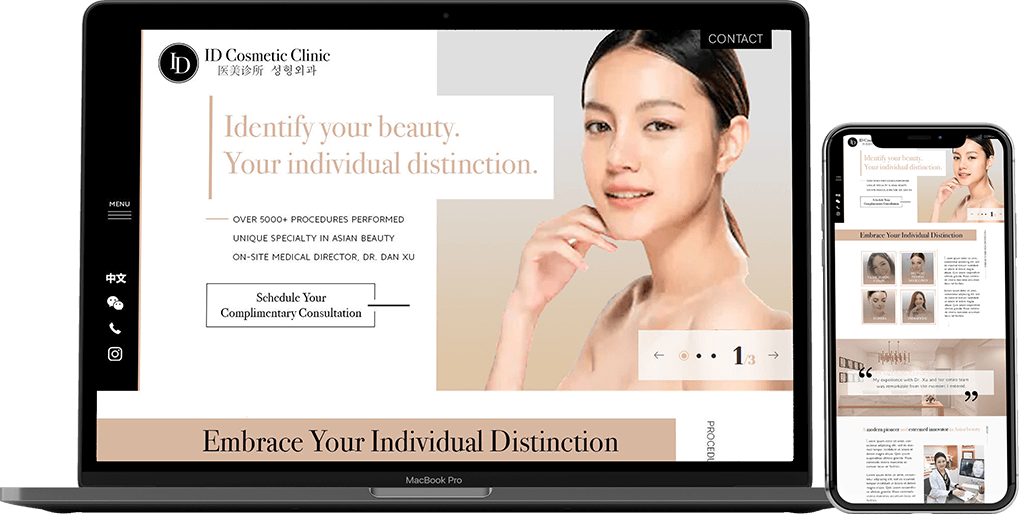
In the vast landscape of web design development, one crucial aspect that often proves to be a challenge for developers is creating responsive layouts. With the ever-expanding array of devices accessing websites, from smartphones to desktops, ensuring that your website looks exceptional on all screens is paramount.
So, how can you master the art of responsive layouts in web design development? Let’s dive into some key strategies and techniques that can elevate your skills in this essential area.
1. Understanding the Basics of Responsive Design
Responsive design is not just about making elements smaller or larger to fit different screens. It involves creating layouts that adapt fluidly to any screen size, ensuring an optimal user experience across devices. To achieve this, CSS media queries play a pivotal role in defining breakpoints where the layout adjusts to accommodate various screen widths.
2. Implementing Flexible Grid Systems
Grid systems form the backbone of responsive layouts. By using frameworks like Bootstrap or CSS Grid, you can establish a grid-based structure that automatically adjusts based on screen size. This grid system provides a solid foundation for organizing content and maintaining consistency across different devices.
3. Optimizing Images for Different Resolutions
Images are integral to web design, but they can significantly impact website performance if not optimized for different resolutions. Utilize responsive image techniques, such as the srcset attribute or CSS background images, to deliver the appropriate image size based on the user’s device, ensuring faster loading times and a visually pleasing experience.
4. Enhancing User Experience with Fluid Typography
Typography plays a crucial role in conveying information on a website. Implement fluid typography by using relative units like percentages or ems instead of fixed pixel sizes. This ensures that text scales proportionally across devices, enhancing readability and accessibility for all users.
5. Testing and Iterating for Perfection
Once you’ve implemented responsive design techniques, testing across various devices is essential to ensure that your layout functions seamlessly. Use tools like BrowserStack or the browser developer tools to simulate different screen sizes and identify any issues that need to be addressed. Continuous testing and iteration are key to achieving a flawless responsive design.
By mastering the art of responsive layouts in web design development, you can create websites that offer a stellar user experience on any device. Embrace these techniques, stay updated on industry trends, and experiment with new approaches to elevate your skills in this ever-evolving field.